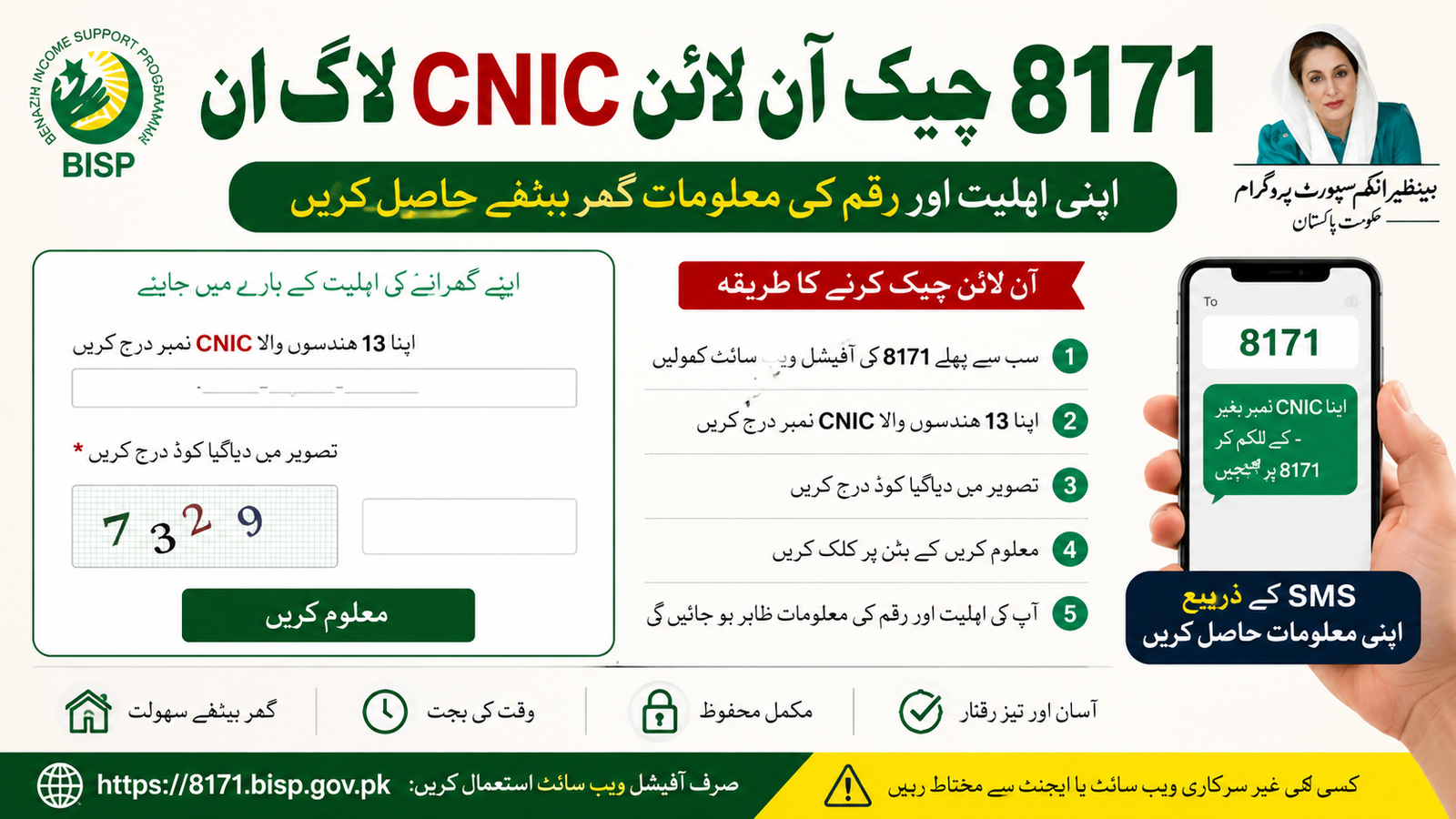
The 8171 Check Online CNIC Login system helps beneficiaries of the Benazir Income Support Programme verify their eligibility, payment status, and registration details online. Through the official government portal, users can easily check whether they qualify for the latest BISP installment without visiting any office.
This guide explains how to use the 8171 portal, check your CNIC online, verify payments, and solve common issues in 2026.
What Is the 8171 CNIC Check System?
The 8171 web portal is an online service launched by the Government of Pakistan for families registered under the Benazir Income Support Programme and Ehsaas programs. It allows applicants to:
- Check eligibility status
- Confirm registration
- Verify BISP payments
- Track new installments
- Check survey and PMT status
The portal works through your Computerized National Identity Card (CNIC) number.
Official Government Portal
You can check your status through the official government website below:
Official 8171 Portal
Official BISP Website
Benazir Income Support Programme (BISP)
8171 Check Online CNIC Login Method
Follow these simple steps to check your BISP status online:
| Step | Details |
|---|---|
| Step 1 | Open the official 8171 portal |
| Step 2 | Enter your 13-digit CNIC number |
| Step 3 | Type the captcha code shown on screen |
| Step 4 | Click the “Maloom Karen” button |
| Step 5 | Your eligibility and payment details will appear |
Required Information for CNIC Check
To use the 8171 system, you need:
| Requirement | Details |
|---|---|
| Valid CNIC | Issued by National Database and Registration Authority |
| Mobile Number | Registered SIM is recommended |
| Internet Access | Mobile or computer browser |
| Correct Captcha | Verification security code |
How to Check 8171 Payment by SMS
If you do not have internet access, you can also check your status through SMS.
SMS Method
- Open your mobile messaging app
- Type your CNIC number without dashes
- Send it to 8171
- Wait for the confirmation reply
The system will send your eligibility and payment information.
Latest BISP 2026 Payment Update
Under the latest 2026 update, eligible families may receive new quarterly installments after successful verification and survey completion. Beneficiaries are advised to:
- Complete NSER survey updates
- Keep CNIC valid
- Use registered mobile numbers
- Verify information through the official portal only
Common Reasons for Ineligibility
Some applicants may see an ineligible message because of:
| Reason | Explanation |
|---|---|
| Expired CNIC | CNIC renewal required |
| Incomplete NSER Survey | Data not updated |
| High PMT Score | Poverty score exceeds limit |
| Incorrect Family Data | NADRA records mismatch |
| Unverified Information | Registration incomplete |
How to Register for BISP 8171
New applicants can register by visiting the nearest BISP Tehsil Office with:
- Original CNIC
- Family information
- Utility bill (if required)
- Mobile number
After verification, the NSER survey will be completed.
Benefits of Using the 8171 Online Portal
- Fast eligibility checking
- Free government service
- Easy payment verification
- Online access from home
- Secure CNIC verification
Important Tips for Applicants
- Always use the official government portal
- Never share CNIC details with unknown agents
- Avoid fake websites and social media scams
- Keep your mobile number active
- Check updates regularly
Conclusion
The 8171 Check Online CNIC Login 2026 system provides a simple and secure way for Pakistani families to verify their BISP eligibility and payment status. By using the official government portal, applicants can save time and avoid unnecessary visits to offices. Always rely on official BISP platforms for accurate information and updates.
Frequently Asked Questions (FAQs)
How can I check my 8171 status online?
Visit the official 8171 portal, enter your CNIC number, complete the captcha, and click the search button.
Is the 8171 portal free to use?
Yes, the government portal is completely free.
Can I check BISP payment through SMS?
Yes, send your CNIC number to 8171 from your mobile phone.
What documents are needed for BISP registration?
You need your original CNIC and family information for the NSER survey.
What should I do if my CNIC is not eligible?
Visit the nearest BISP office and update your survey or family details.
Which is the official BISP website?
The official government website is: Official BISP Website